

.jfif)
Property Panorama (InstaView)
Property Panorama's InstaView is a fully automated digital marketing solution that turns every one of your active MLS listings into a complete marketing suite, without any manual work on your part. Proven in more than 270 MLSs and backed by over 20 years of experience, InstaView is designed to save you time and energy while giving your listings and personal brand a professional, polished presence online.
Automatic and Always Up to Date
The core strength of InstaView is automation. Within about an hour of a listing going active in the MLS, InstaView automatically generates a virtual tour, and in most integrations attaches an MLS-compliant tour to your listing for you. Because the system stays synchronized with the MLS 24/7, any change you make to your listing is reflected in your marketing materials automatically, usually within an hour. You never have to rebuild or re-upload anything as your listing evolves.
For automatic tour generation to work, a few MLS fields need to be set correctly (the Internet/IDX, Property Panorama, and Create Virtual Tour fields should be set to "Yes"), you must be the primary listing agent, and the listing needs at least three photos uploaded.
Click the link below to watch the recording of the latest Property Panorama training webinar for our STX MLS users!
What Every Listing Gets
InstaView automatically produces a suite of marketing materials from your MLS listing data, including virtual tours, listing videos, PDF and virtual flyers, and Just Sold cards. Photos are recommended at a minimum of 1024 x 768 to ensure high-quality display.
Branded and Unbranded Tours
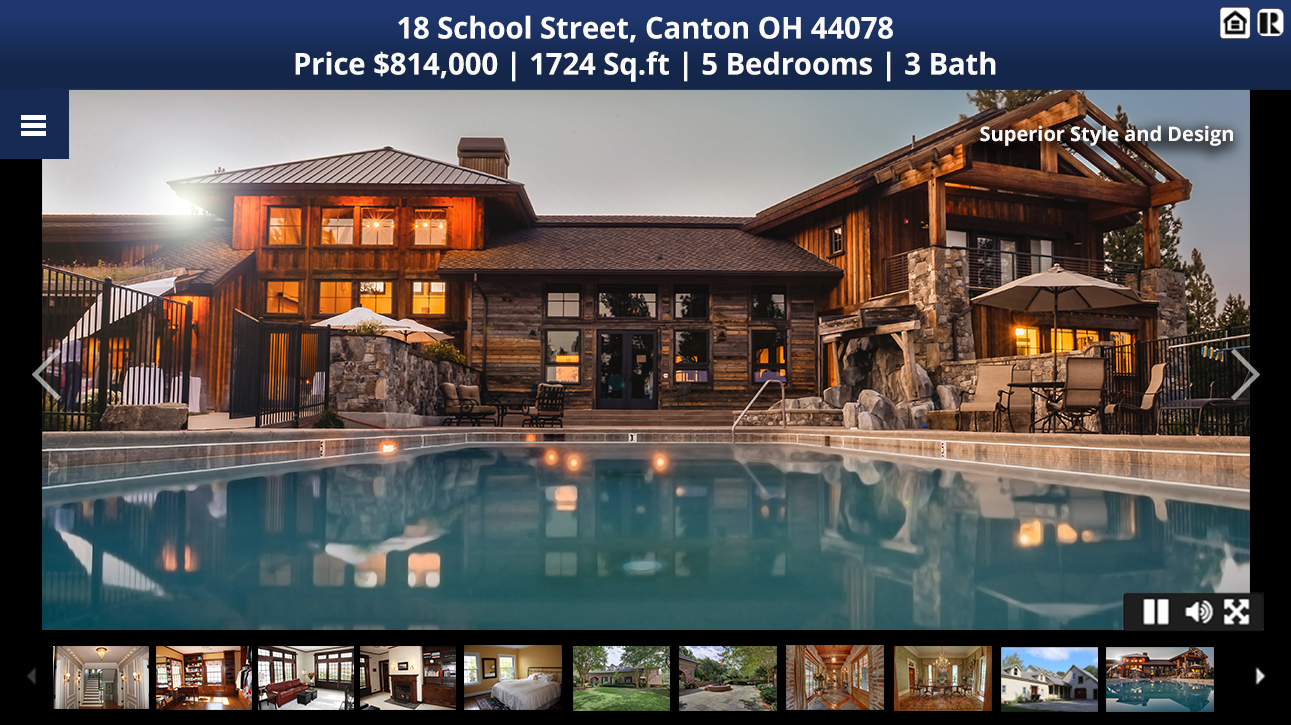
InstaView creates two versions of each virtual tour. The unbranded tour is MLS-compliant, contains no agent or broker contact information, and is used for MLS purposes and syndication. The branded tour displays your profile photo, company logo, brokerage, and contact details, and can be fully customized with color themes, music, and voiceovers. The branded tour is the version you share with clients and post to social media.
A useful feature of the branded tour is that it serves as a single-URL hub for all your listing's media. You can attach any additional content you have, such as other videos, tours, or a property website, and share just one link with your sphere of influence.
Syndication and Sharing
Once attached to the MLS, your unbranded tour URL syndicates automatically through your MLS data feed to third-party sites like REALTOR.com, Zillow, and Trulia. Higher-tier subscriptions add automatic syndication of branded tours to your Facebook business page and Twitter feed whenever a new tour is generated. You can also download an MP4 video file of your listing to keep, share with clients, or upload to your own YouTube channel.
Click the link below to explore the Property Panorama product!
Lead Capture and Statistics
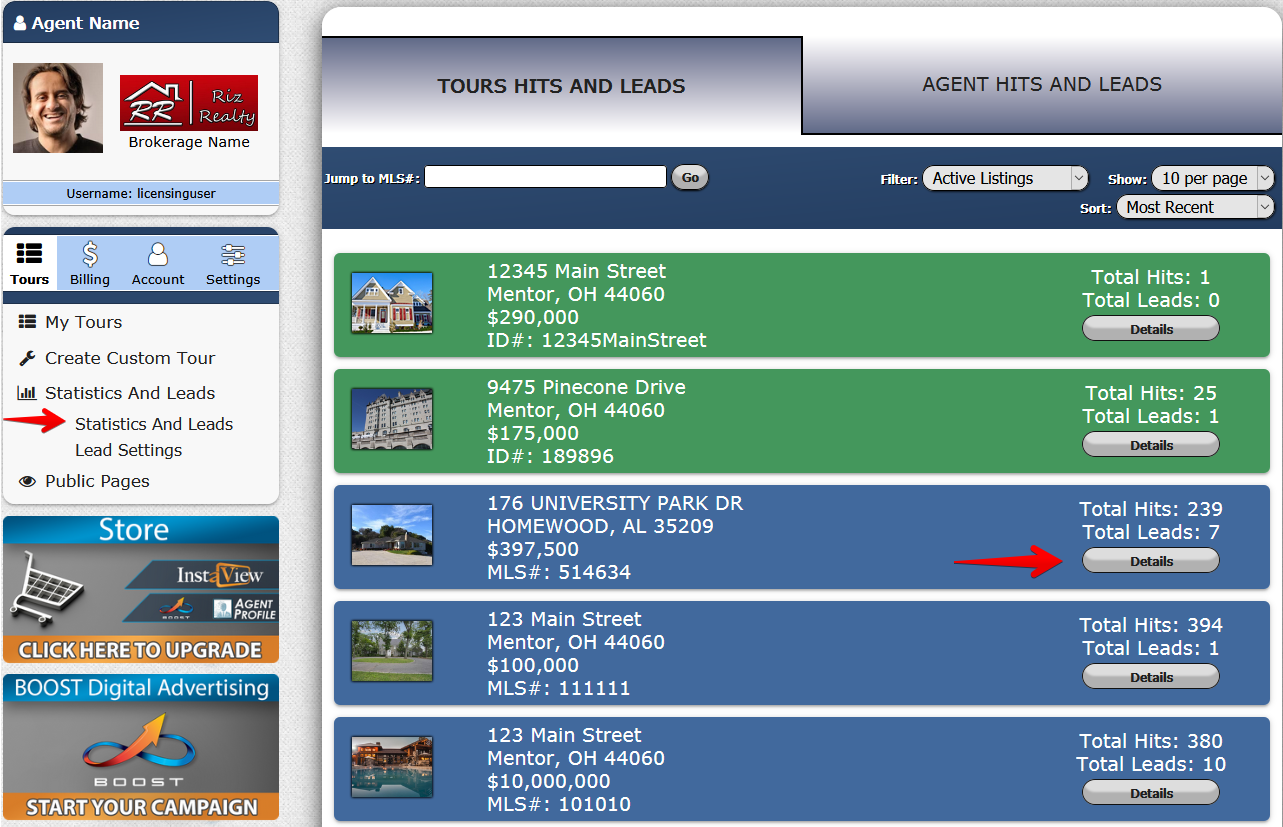
InstaView products include several lead-generating elements. When a lead is captured, you receive an email notification with the prospect's contact details, and you can view all your statistics and leads from your member's area. You can also share performance reports directly with your sellers, which is a valuable way to demonstrate the marketing activity behind their listing.
Free Tier and Optional Upgrades
STX MLS provides InstaView to all users at no cost. The free tier gives you an unbranded virtual tour with a limited number of photos, which satisfies MLS requirements and handles basic syndication.
Users who want more can upgrade on their own directly through Property Panorama. Paid tiers (Enhanced, Premium, and Elite) unlock the advanced features, including the full branded tour, additional photos, downloadable MP4 listing videos, automatic social media syndication, and more customization. Pricing starts as low as $1.99 per listing per month and varies by MLS. Upgrades are purchased and managed by the individual user through the Billing/Store section of their Property Panorama account, and any billing questions are handled directly with Property Panorama.
Accessing Your Account
Most users reach their Property Panorama member's area through single sign-on from Matrix, typically found under Links, Resources, or Products depending on your dashboard configuration. From there you can manage tours, customize branding, upload photos, adjust audio and themes, view statistics, and handle any subscription changes.
Click the link below to explore a library of training videos by Property Panorama!