
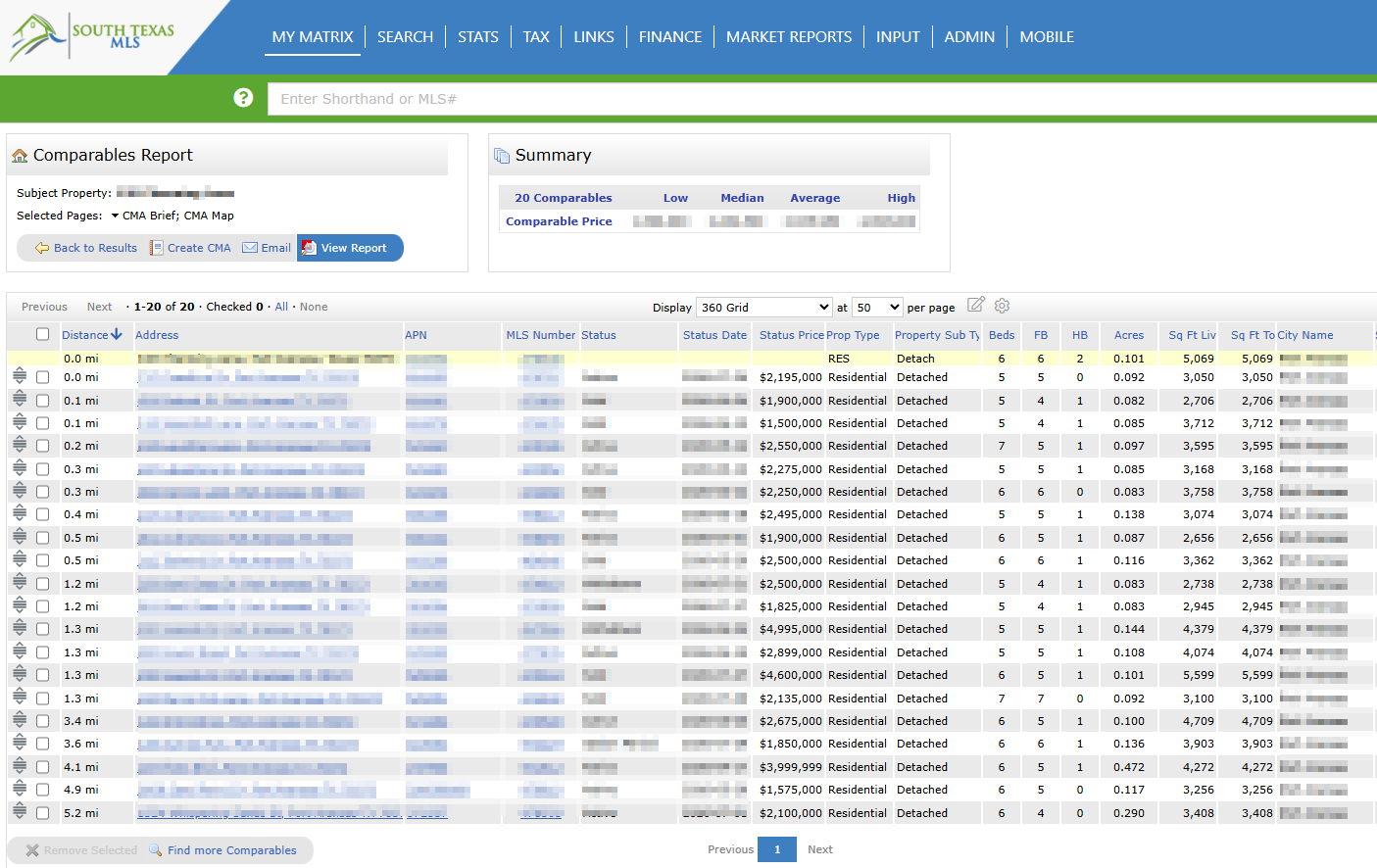

The Matrix 360 CMA gives South Texas MLS users a powerful, streamlined way to build professional Comparative Market Analysis reports. Available through the Cotality Matrix platform, it combines MLS listing data with public tax records and off-market sales, so you can develop accurate, well-supported valuations and present them in a polished, client-ready packet.
Expanded data sources. Search active and closed MLS listings alongside non-MLS and private sales pulled from public tax records, giving you a fuller picture of the market. This is especially valuable in a non-disclosure state like Texas, where public sale prices are not readily available.
One-Click Comparables Finder. Instantly surface up to 20 high-quality comparable properties, automatically selected based on similarity, recent status, and geographic proximity.
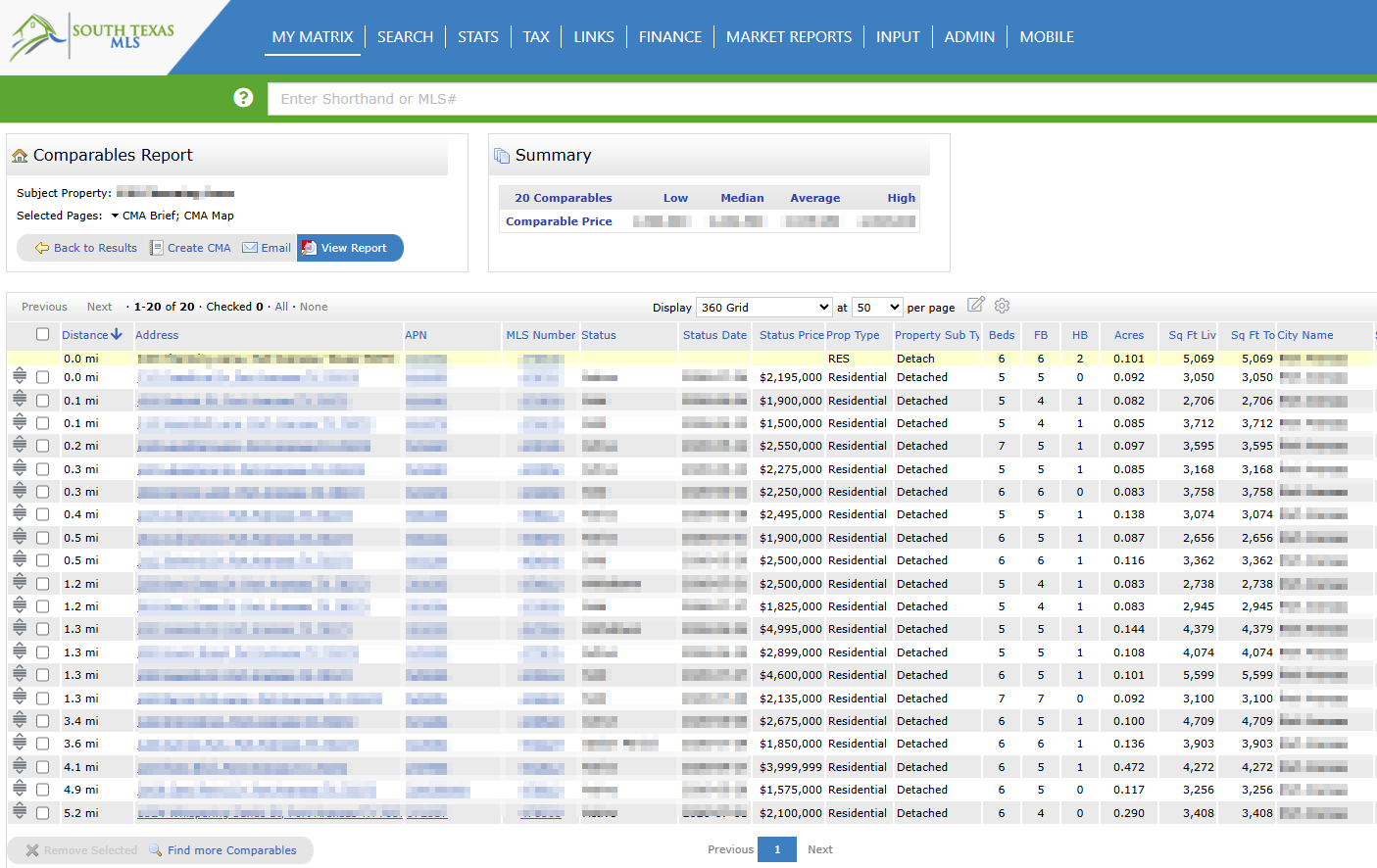
Customization Wizard. Move step by step through the CMA build: manage subject properties, select and reorder report pages, apply price adjustments for differences such as bedrooms and baths, and design a branded packet for your client.
Centralized Dashboard. Store, preview, email, or export your completed CMA reports as PDFs, all from one place.
Whether you are preparing for a listing presentation or advising a buyer on value, the Matrix 360 CMA helps you deliver credible, data-driven analysis with a professional finish.
How to Create a CMA Using Listed and Non-Listed Properties
A step-by-step tutorial on building a Comparative Market Analysis in Matrix using both listed and non-listed properties. Covers creating a CMA from scratch, setting the subject property, selecting comparables, applying adjustments and pricing, and delivering a finished packet. Runs about 10 minutes.